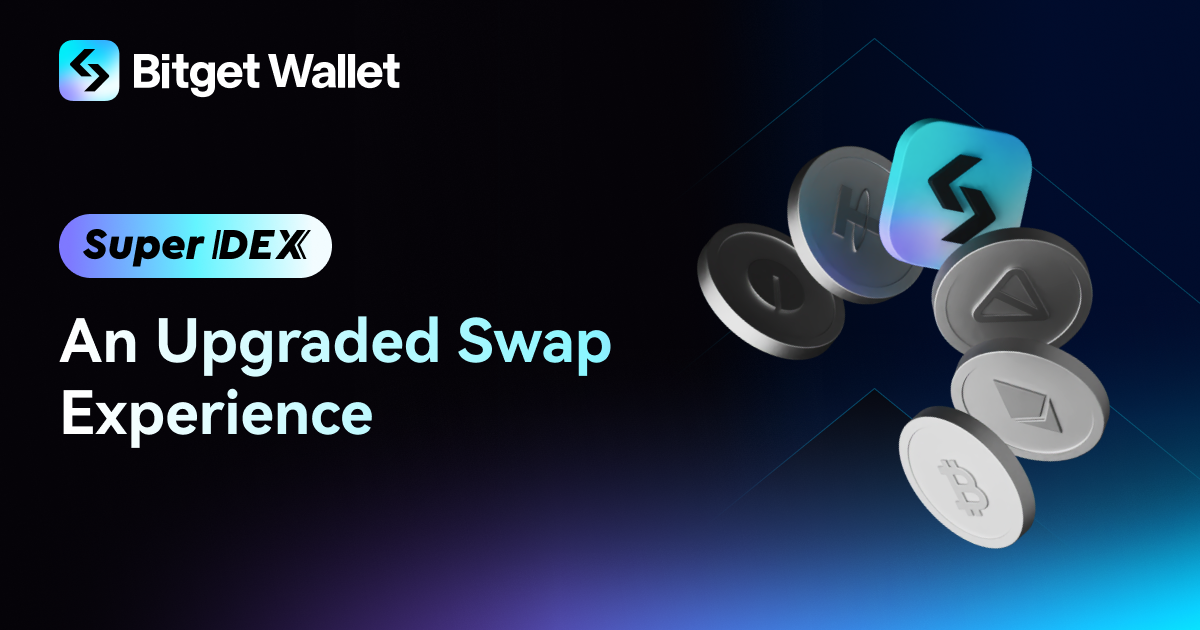
SAN SALVADOR, El Salvador, March 21, 2025 (GLOBE NEWSWIRE) -- Bitget Wallet, a leading Web3 non-custodial wallet, has officially introduced Super DEX, a next-generation swap experience within Bitget Wallet with smart trading, omni-chain access to 130+ blockchains and millions of tokens. As the demand for decentralized trading grows, Super DEX combines intelligent trade execution, seamless cross-chain swaps, and robust security measures to offer a faster, smarter, and safer trading experience for users worldwide.
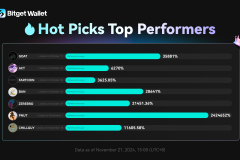
Super DEX offers advanced smart trading tools, helping users identify and act on high-potential tokens more efficiently. MemeX tracks newly launched tokens within 60 seconds on Solana, BNB, Base, and Ethereum, providing early alerts based on liquidity and holder activity, with a 90% success rate in identifying profitable tokens within 24 hours. Hot Picks sniper analyzes market trends, social sentiment, and smart money movements, selecting up to 10 trending tokens out of millions on a daily basis. Super DEX also supports instant trades at twice the speed of standard transactions, allowing users to respond faster to market movements. Additionally, its multi-chain limit order feature automates trades on chains like Solana, BNB, and Base, reducing the risk of missing opportunities. With these tools, users can better navigate fast-moving markets and new token launches.
As the ultimate omni-chain trading hub, Super DEX provides one-click access to over 130 blockchains, allowing users to swap across millions of tokens seamlessly. With recent integrations of new mainnets like Berachain and Sonic, Super DEX continues to expand its multi-chain reach, giving users access to emerging ecosystems with high-growth potential. Its intelligent routing system aggregates liquidity from hundreds of leading DEXs like Uniswap, PancakeSwap, and Jupiter, automatically routing and splitting trades for optimal pricing and minimal slippage. With one-click cross-chain swaps, users can move assets effortlessly — such as swapping Solana-based TRUMP tokens for BNB Chain's MUBARAK tokens in a single step, with automated gas fee coverage. Additionally, the GetGas account enables users to pay gas fees in ETH, USDT, USDC, and BGB, eliminating the need to hold multiple native tokens and simplifying the cross-chain trading experience.
'Super DEX is more than just an upgrade — it's a redefinition of what onchain trading should be,' said Alvin Kan, COO of Bitget Wallet. 'By combining smart market intelligence, seamless multi-chain access, and strong security, we’re removing the usual barriers in decentralized trading. Our goal is to make onchain trading as powerful, intuitive, and secure as any centralized exchange—while staying fully decentralized. We're committed to making the latest tokens accessible to all traders, lowering entry barriers, and helping more people step into Web3. We’re excited to see users worldwide leverage Super DEX to unlock new trading opportunities.'
Security and price stability are core to Super DEX's infrastructure, with default MEV protection enabled for Solana, BNB Chain, Base, Ethereum, and more. This safeguards users from front-running, sandwich attacks, and excessive gas fee bidding, ensuring fairer and more predictable trade execution. Super DEX also integrates advanced transaction risk detection, automatically identifying burn tokens, honeypot scams, and low-quality assets to warn users of potential trading risks. Super DEX is integrated within Bitget Wallet, a decentralized and fully self-custodial wallet, operating as an independent app that effectively mitigates centralized security risks and ensures users retain 100% control over their assets at all times.
To celebrate the launch of Super DEX, Bitget Wallet is introducing a referral program where users can invite their friends to earn rebates. The first stage of the referral program will be launched on an invite-only basis. Additionally, a $90,000 reward campaign is available for users who deposit and trade on Bitget Wallet from March 17th to 24th. In the coming weeks, Bitget Wallet will also introduce a trading competition, further incentivizing users to experience the platform's speed, security, and efficiency.
For more details, please visit Bitget Wallet blog.
About Bitget Wallet
Bitget Wallet is the home of Web3, uniting endless possibilities in one non-custodial wallet. With over 60 million users, it offers comprehensive onchain services, including asset management, instant swaps, rewards, staking, trading tools, live market data, a DApp browser and crypto payment solutions. Supporting over 130 blockchains, 20,000+ DApps, and millions of tokens, Bitget Wallet enables seamless multi-chain trading across hundreds of DEXs and cross-chain bridges, along with a $300+ million protection fund to ensure safety of users' assets. Experience Bitget Wallet Lite to start a Web3 journey.
For more information, visit: X | Telegram | Instagram | YouTube | LinkedIn | TikTok | Discord | Facebook
For media inquiries, please contact media.web3@bitget.com
A photo accompanying this announcement is available at https://www.globenewswire.com/NewsRoom/AttachmentNg/395be225-1541-44c0-ab15-cf3df6d09bb7