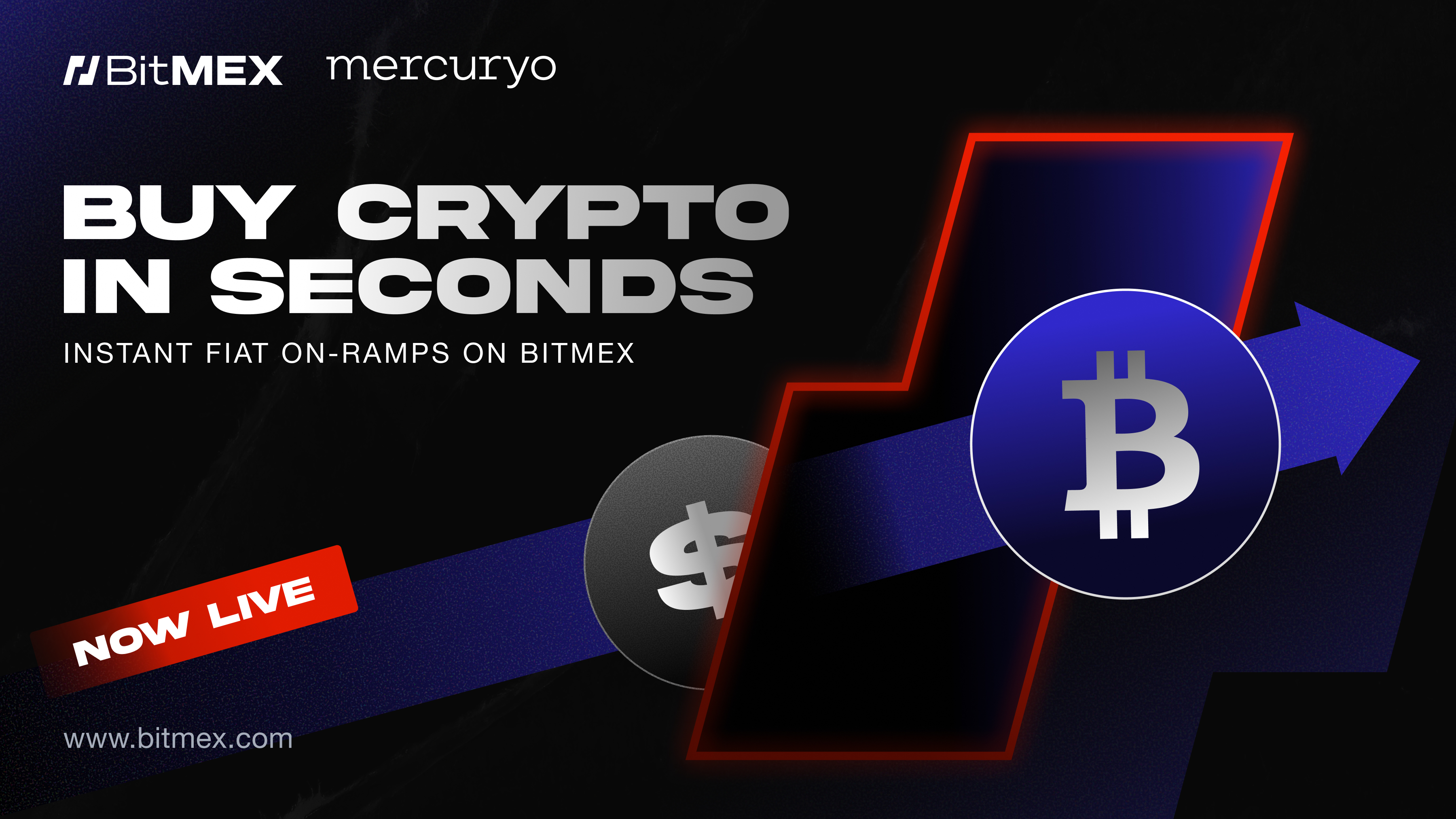
VICTORIA, Seychelles, Dec. 09, 2025 (GLOBE NEWSWIRE) -- BitMEX, one of the safest crypto exchanges, announced today the launch of fiat-to-crypto on-ramps on its platform through a partnership with Mercuryo, a global payment infrastructure platform. The introduction of this feature will enable users on the exchange to purchase cryptocurrency using a variety of fiat currencies.
The availability of Mercuryo’s on-ramps on BitMEX will simplify the onboarding of new users, streamlining the process of converting fiat assets such as USD into digital tokens to use for trading on the platform.
Payment methods accepted via the BitMEX-Mercuryo integration include credit cards, bank transfer, Apple Pay, and Google Pay. More than 30 fiat currencies are supported through the integration, available to traders in all eligible jurisdictions*.
The integration will allow user accounts to be credited with their chosen cryptocurrency in a matter of minutes. With the payment gateway directly integrated into BitMEX, users can convert their fiat into crypto to support their trading on BitMEX’s spot and futures markets, including bitcoin (BTC), Ethereum (ETH) and Solana (SOL).
“The integration of Mercuryo’s on-ramps on the BitMEX platform provides our users with a robust and intuitive means of converting fiat into the cryptocurrency of their choice,” said Raphael Polansky, Chief Growth Officer at BitMEX. “The user experience (UX) is everything in crypto and Mercuryo has proven expertise in delivering an optimum on-ramp experience.”
“The integration of Mercuryo’s on-ramps gives BitMEX traders the convenience of a trusted gateway wrapped in a familiar interface,” said Petr Kozyakov, Co-Founder and CEO at Mercuryo. “This is an important step towards enhancing the trading experience for millions of BitMEX’s global users.”
For more information on the new fiat-to-crypto conversion feature on BitMEX, visit this page.
About BitMEX
BitMEX is the OG crypto derivatives exchange, providing professional crypto traders with a platform that caters to their needs through low latency, deep crypto native liquidity and unmatched reliability.
Since its founding, no cryptocurrency has been lost through intrusion or hacking, allowing BitMEX users to trade safely in the knowledge that their funds are secure. So too that they have access to the products and tools they require to be profitable. BitMEX was also one of the first exchanges to publish their on-chain Proof of Reserves and Proof of Liabilities data. The exchange continues to publish this data twice a week – proving assurance that they safely store and segregate the funds they are entrusted with.
For more information on BitMEX, please visit the BitMEX Blog or www.bitmex.com, and follow Telegram, Twitter, Discord, and its online communities. For further inquiries, please contact press@bitmex.com.
About Mercuryo
Mercuryo is a first-mover and innovator in the fast-evolving Web3 space, providing a variety of payment solutions along with integrated on-chain functionality. Mercuryo's intuitive solutions are simplifying the experience for newcomers to the digital token space. Since 2018, Mercuryo has proudly partnered with industry leaders such as MetaMask, Trust Wallet, Ledger, 1inch, PancakeSwap, and more, with plans to expand further as we continue to innovate with our stack of products.
A photo accompanying this announcement is available at https://www.globenewswire.com/NewsRoom/AttachmentNg/39a40ee5-a009-459b-ac18-6613dfa7080b