Washington, Feb. 17, 2023 (GLOBE NEWSWIRE) -- Washington, District of Columbia -
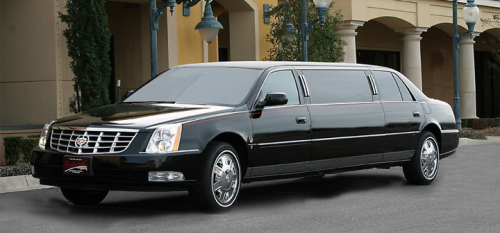
Washington DC - ING Chauffeured Transportation, the premier luxury transportation service provider in Washington DC, is pleased to announce the release of their new iOS app. The new app offers seamless booking and a hassle-free travel experience for customers of the esteemed company.
The new app can be downloaded from the App Store and offers an easy-to-use interface for booking rides and managing travel plans. With just a few taps on their smartphone, customers can easily schedule rides, track their driver in real-time, and receive alerts when their car arrives.
'Our new iOS app is designed to provide our customers with the convenience and reliability that they deserve,' said John Doe, CEO of ING Chauffeured Transportation. 'We understand that our customers lead busy lives, and we want to make the booking process as easy as possible for them.'
The app features fare estimates, trip history, and the ability to add multiple passengers and drop-off locations for groups or families. Payments can be made securely and conveniently through the app, and customers can even rate their driver and leave feedback after their trip.
ING Chauffeured Transportation has been providing top-notch transportation services in Washington DC for over 10 years, with a focus on safety, reliability, and excellent customer service. With the release of their new iOS app, they are continuing to raise the bar for luxury transportation in the DC area.
To download the ING Chauffeured Transportation iOS app, visit the App Store and experience the ultimate in luxury transportation.
###
For more information about ING Chauffeured Transportation, contact the company here:
ING Chauffeured Transportation
Mike Ciric
301-545-0000
info@inglimo.com
2200 Pennsylvania Avenue NW suite 400, Washington, DC 20037